

WordPress Permalinks in 2026: How to Create Clean, Stable URLs
Understand WordPress permalink settings, post slugs, category bases, redirects, and the precautions needed before changing URLs on an established site.
Read articleUnderstand WordPress permalink settings, post slugs, category bases, redirects, and the precautions needed before changing URLs on an established site.
Read article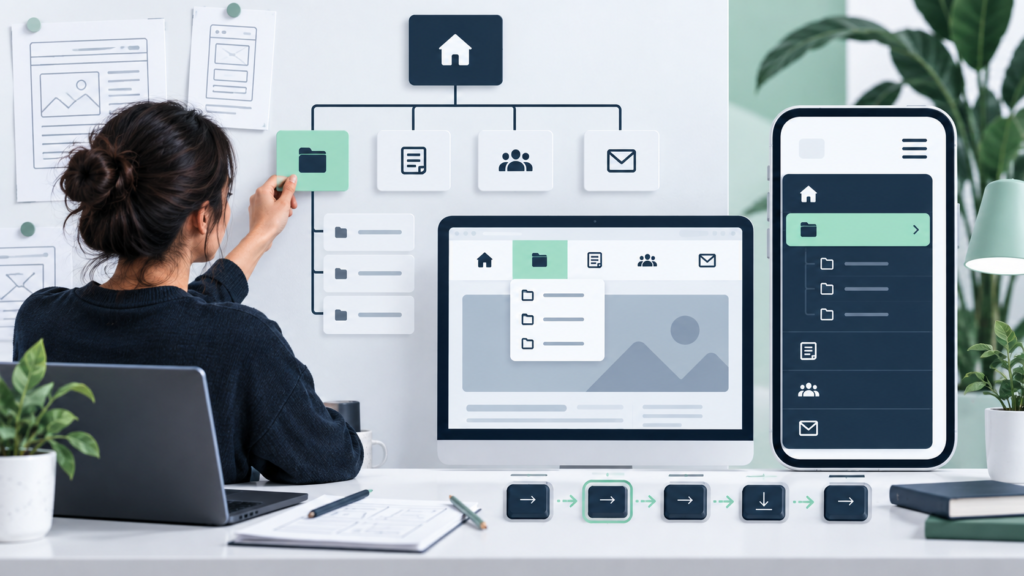
Build clear WordPress navigation using the tools provided by classic or block themes, with correct links, labels, hierarchy, and mobile testing.
Read article
Manage WordPress images and files with sensible filenames, sizes, ALT text, captions, attachment details, and safe replacement practices.
Read article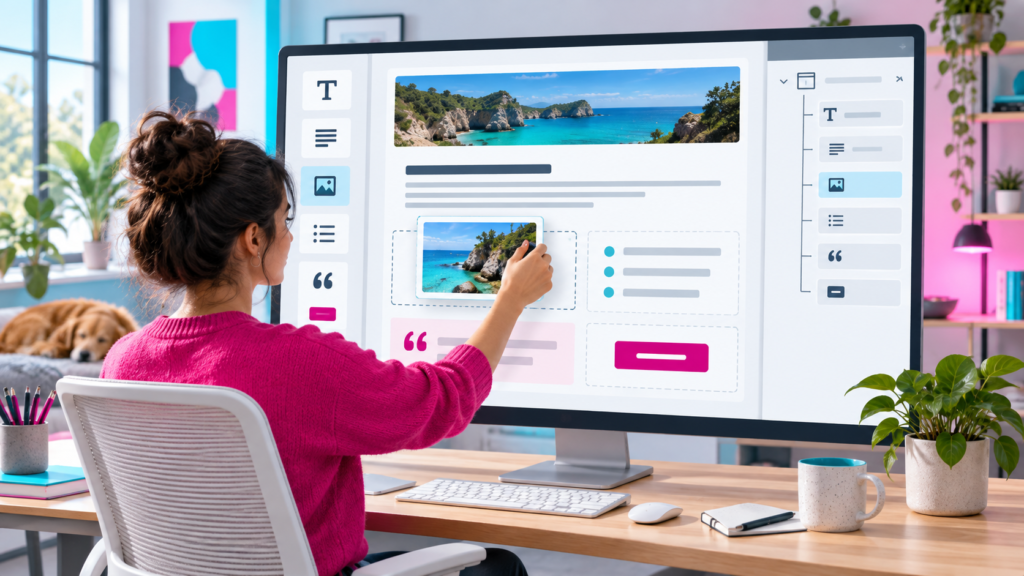
Create well-structured WordPress content with blocks, patterns, List View, reusable design choices, previews, and accessible responsive formatting.
Read article
Learn how to evaluate, install, test, update, and remove WordPress plugins without adding unnecessary risk, conflicts, or performance problems.
Read article
Choose a WordPress theme based on accessibility, performance, support, editor compatibility, and real content—not demos or feature lists alone.
Read article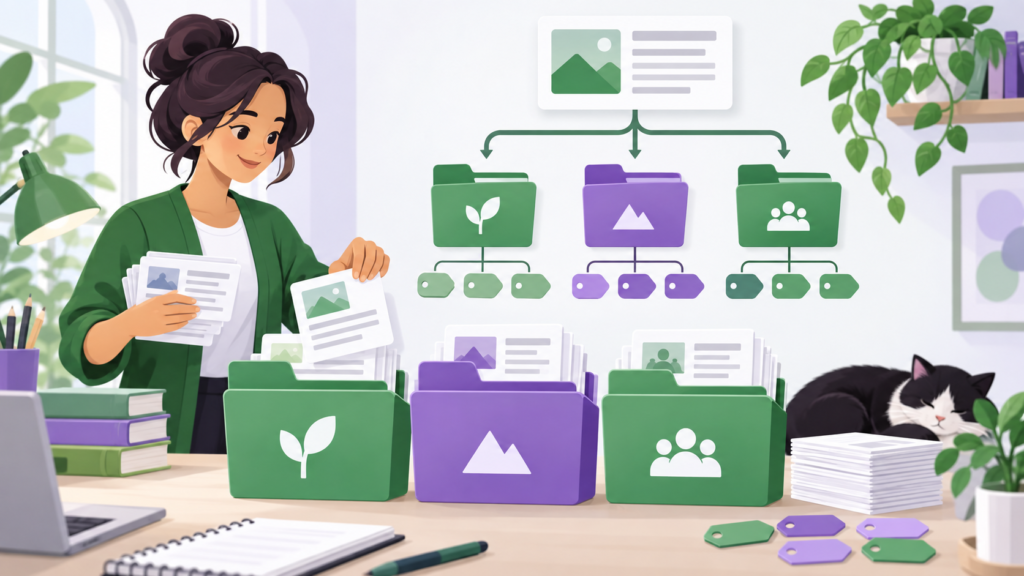
Organize WordPress posts with a clear category and tag system that improves navigation without producing duplicate, empty, or confusing archives.
Read article
Understand the practical difference between WordPress posts and pages, with examples for blogs, services, archives, navigation, and long-term site structure.
Read article
Learn what each main WordPress dashboard area does and how to manage content, appearance, users, settings, updates, and site health safely.
Read article
Set up a WordPress website safely with this beginner checklist covering hosting, installation, essential settings, structure, security, and launch checks.
Read article