

WordPress Search in 2026: How to Improve Your Site Search for Visitors
Improve WordPress site search with better placement, results, content organization, accessibility, performance, privacy, and a practical beginner checklist.

Improve WordPress site search with better placement, results, content organization, accessibility, performance, privacy, and a practical beginner checklist.
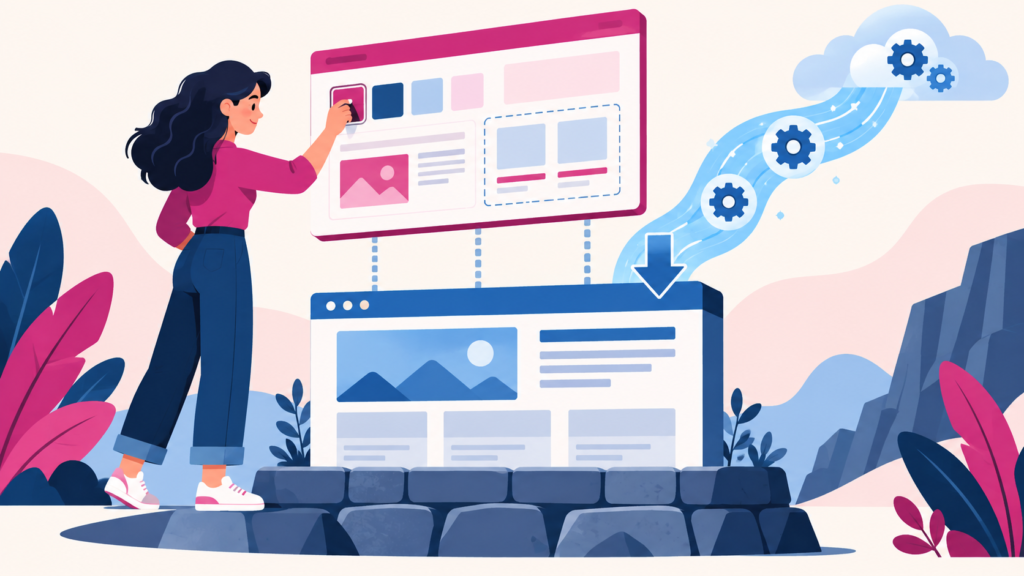
Learn what a WordPress child theme is, when it protects custom code, when it is unnecessary, and how to create and test one without risking a live site.

Learn how WordPress page caching and browser caching reduce repeated work, what should not be cached, and how beginners can test caching safely.

Understand WordPress database optimization, identify genuine database bloat, clean safely with backups, and avoid risky one-click maintenance mistakes.

Learn how to create and use a WordPress staging site safely for updates, design changes, troubleshooting, and controlled deployment without risking production.

Protect a beginner WordPress website with practical guidance on updates, accounts, plugins, backups, HTTPS, monitoring, and a realistic incident-response plan.
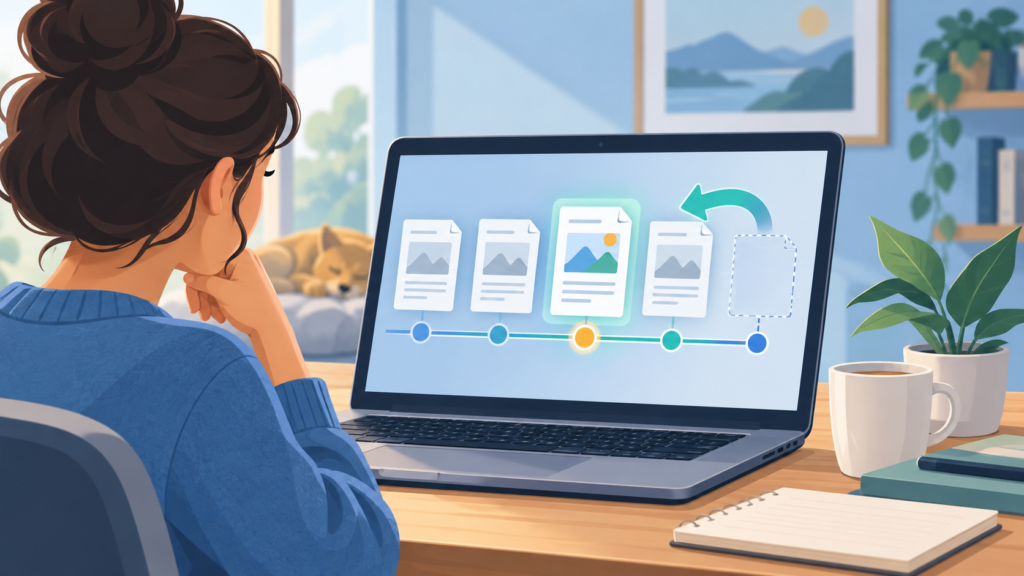
Learn how WordPress revisions and autosaves protect your work, how to compare and restore versions, and how to recover content without overwriting the wrong changes.

Create a reliable WordPress backup plan covering files, database, storage, schedules, retention, restore testing, and pre-change recovery points.

Configure WordPress discussion settings, moderation queues, notifications, privacy, and spam controls for a useful and manageable comment section.

Learn how WordPress user roles and permissions work, what each default role can do, and how to assign access safely using least privilege.